Simple Workflows You Can Automate to Get Real Hours Back
7 min read
The hours hiding in your busywork
Think about the last time you played email tag to schedule a call, manually typed out an invoice, or wrote the same "thanks for reaching out" reply for the tenth time that week. None of it felt like a big deal in the moment. But add it all up, and those little tasks quietly eat a chunk of your week.
Here's the good news: most of that work doesn't actually need you. It needs a system.
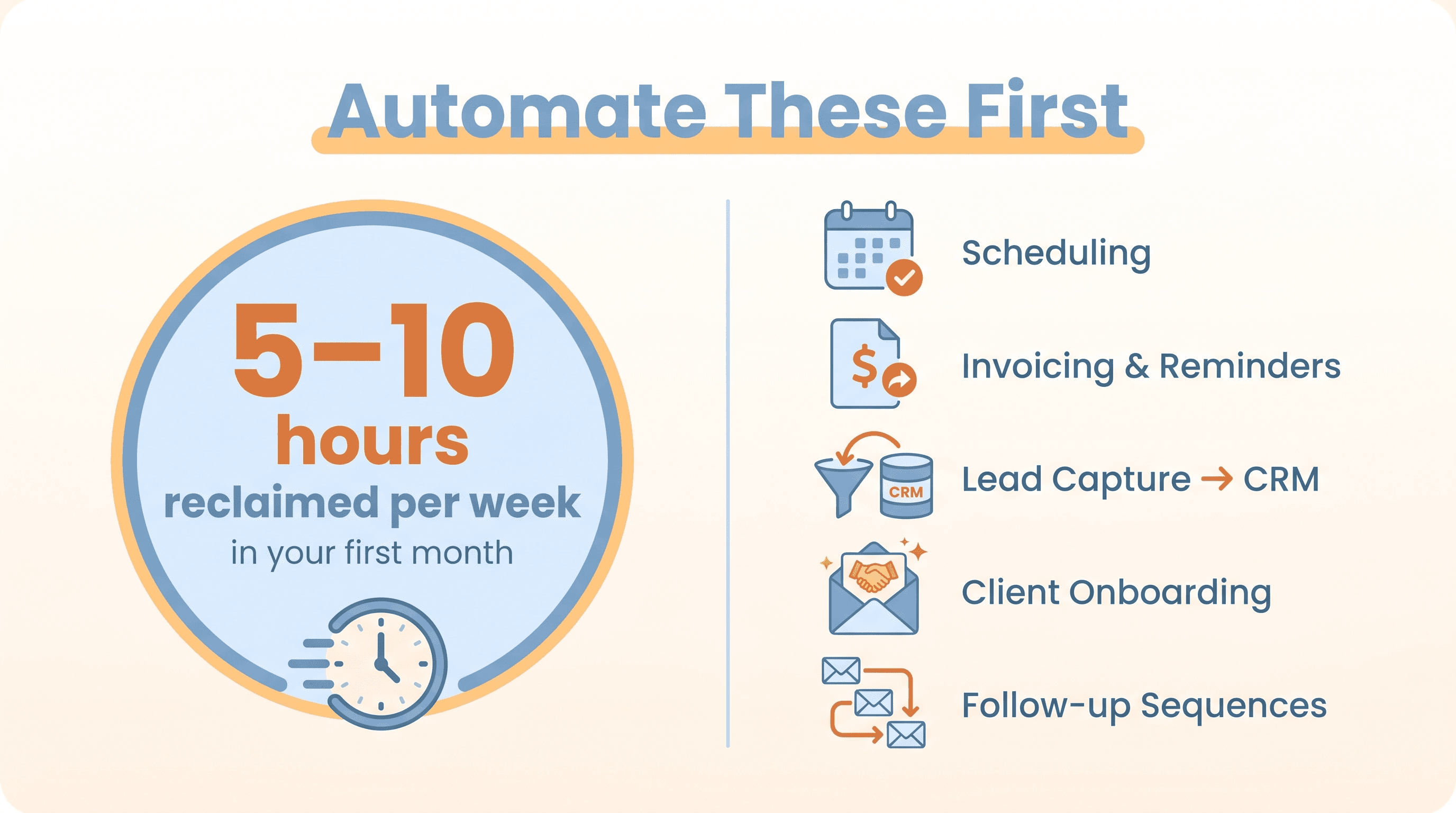
Entrepreneurs and small-business owners can realistically reclaim 5 to 10 hours per week in their first month just by automating a handful of simple, rule-based workflows like scheduling, invoicing, follow-ups, and basic CRM updates. With a more mature setup—several workflows running together—some owners give back the equivalent of two full workdays per week.
These aren't risky, complicated projects. They rely on tools most small businesses already use, and they target the kind of repetitive admin that's the biggest time drain in the first place.
The one rule for picking your first automation
Before you touch any tool, here's the principle that small-business guidance keeps coming back to: start with simple, repetitive tasks that follow predictable steps.
The best "starter" workflows usually look like this:
- You do them daily or weekly
- They have a clear trigger and outcome ("new lead fills form → send email")
- They need little or no creative judgment
- They currently involve manual data entry or copy-paste
That last point is your biggest clue. If you're copying information from one place to another, or sending nearly identical messages over and over, you've found an automation candidate.
What you should not automate: the work that actually needs you. A nuanced sales call, a tricky complaint, a thoughtful proposal. The goal isn't to remove yourself—it's to clear away the busywork so you have more time for the human moments that matter.
Workflow 1: Scheduling that books itself
If you run a service business, "Does Tuesday at 3 work for you?" might be one of your most-typed sentences. Back-and-forth scheduling is a classic time sink, and it's one of the easiest things to hand off.
What this looks like in practice:
- A prospect clicks your "Book a call" link.
- A scheduling tool (like Calendly or Square Appointments) shows your real-time availability.
- Once they pick a time, the tool adds it to your calendar, sends a confirmation email, sends a reminder 24 hours before, and can even trigger a follow-up afterward.
No more email tag. Fewer no-shows. And it's often the very first thing experts recommend automating, because the payoff is immediate and obvious.
Workflow 2: Invoicing and payment reminders
Creating invoices and chasing late payments is frequent, rule-based, and genuinely draining—both on your time and your nerves. Automating it protects your cash flow and spares you the awkward "just following up" messages.
What this looks like in practice:
- A task gets marked "Complete" in your project tool or CRM.
- Your accounting software (like QuickBooks or Wave) auto-creates an invoice with line items and a due date.
- The customer gets the invoice with a payment link built in.
- If it's not paid, the system sends a friendly reminder 3 days before the due date and again at 7 days overdue.
You stay on top of your money without lifting a finger—and you never have to draft another "hi, just checking in about that invoice" email again.
Workflow 3: Lead capture that responds instantly
When someone fills out your "Request a quote" form, every minute counts. But if you're a solo founder juggling ten things, that lead might sit for hours. Automation makes sure no one slips through the cracks.
What this looks like in practice:
- A visitor fills out your form.
- An automation tool creates a contact in your CRM with their details, tags them by source or interest, and sends a tailored email: "Thanks for reaching out—here's what happens next…"
- You get an internal notification so you can personally follow up with the warmer leads.
This is one of the first things Salesforce recommends automating for small businesses, because it kills two birds: it ends manual data entry and guarantees a fast response. Even a basic version—just an instant acknowledgment—saves real time and makes you look sharp.
Workflow 4: Onboarding new clients on autopilot
New-client onboarding is the same set of steps, over and over: welcome them, send the intake form, deliver the resources, set expectations. That repetition is exactly what makes it perfect for automation—and it's a high-leverage moment that shapes how clients feel about working with you.
What this looks like in practice (for a service business):
- A client signs the contract or pays the first invoice.
- A sequence kicks off automatically:
- Email 1 (right away): Welcome and an overview of the process
- Email 2 (next day): A link to the intake questionnaire
- Email 3 (after they submit it): Confirmation and next steps
- Your task tool creates a new project and assigns the kickoff work.
The result is a consistent, polished experience for every client—without you manually coordinating each step.
Workflow 5: Email follow-ups and simple nurture
Sending the same follow-up emails by hand is inefficient, and it's easy to forget someone. A basic email sequence keeps prospects warm and engaged while you focus elsewhere.
What this looks like in practice:
- Someone downloads a guide or joins your newsletter.
- Your email tool (like Mailchimp or Flodesk) sends a gentle sequence:
- Day 0: Delivers the resource
- Day 2: Shares something educational
- Day 5: A case study or testimonial
- Day 7: A soft offer or invitation to book a call
- Anyone who clicks the offer gets tagged as "warm" so you can reach out personally.
Setting this up early means consistent engagement without you remembering to hit send every few days.
A few more easy wins worth grabbing
Once you've got the basics running, a few more workflows tend to pay off fast:
- Social media scheduling. Posting in real time every day isn't sustainable. Block an hour or two a week, then use a tool like Buffer or Later to queue posts, cross-post to different platforms, and recycle your best evergreen content.
- Support triage. Customer questions are often repetitive and structured ("Where's my order?"). You can auto-route tickets by topic, send an instant "we got your message" reply with helpful FAQ links, and send the request to the right inbox.
- Internal data entry. Manual data entry is a notorious time-killer. Connecting your apps so a form submission automatically updates your CRM or spreadsheet removes hours of copy-paste. Some tools can even transcribe a client call, summarize the key points, and attach the notes to the right contact record—giving you hours back each week.
How to actually get started this month
You don't need to automate everything at once. In fact, you shouldn't. Here's a simple way to begin:
- Pick just 1 or 2 workflows for the next 30 days. Scheduling and invoicing are excellent entry points—high frequency, low complexity, fast payoff.
- Map the process before you automate it. Write out the inputs, the steps, and the outcome. This keeps you from automating a broken process and just speeding up the mess.
- Test with a small group first. Run it on a handful of leads or clients, then adjust the triggers and timing as needed.
- Measure the time you reclaim. Make it concrete: "We cut scheduling emails by 90%" or "We reduced manual invoicing time by 70% in six weeks." Seeing the result keeps you motivated to do more.
Think of automation as a phased habit, not a one-time project. Most no-code tools—Zapier is the popular general-purpose choice—let you connect the apps you already use and build these mini automations without writing a line of code. And increasingly, AI is built right in, able to score leads by behavior or summarize calls on top of the basic rule-based steps.
Start small, keep the human touch where it counts, and stack one workflow on top of another. The hours add up faster than you'd expect.